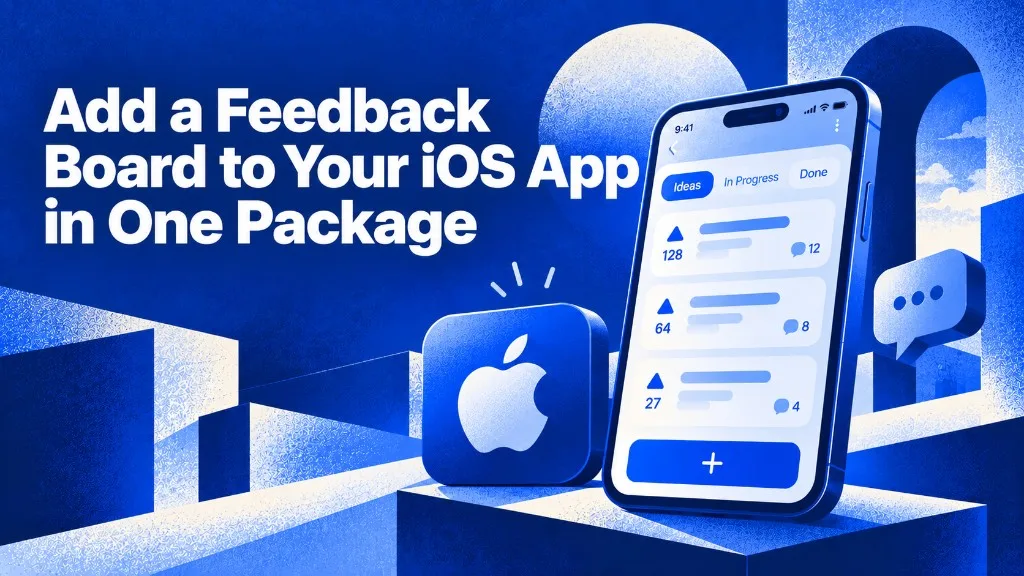
App Store reviews are not a backlog. You cannot merge twelve “add widgets” ratings. You cannot tell those people you shipped.
One Swift package. Four steps. First vote on the dashboard before you close Xcode.
Longer version with identity, custom UI, and App Review notes: How to add a feedback board to a SwiftUI app.
0. Get a widget ID
- Open feedbackjar.com
- Start the 7-day trial (no card)
- Create a project
- Copy the widget ID
Seed two real requests in the dashboard now. An empty board looks broken.
1. SPM
Xcode → File → Add Package Dependencies.
https://github.com/feedbackjar/swift-sdkAdd FeedbackJar to the app target. Current release: 1.4.6.
Package.swift:
.package(url: "https://github.com/feedbackjar/swift-sdk", from: "1.4.6")Min iOS: 15.0.
2. Configure
import FeedbackJar

@main
struct MyApp: App {
    init() {
        FeedbackJar.configure(widgetId: "your-widget-id")
    }

    var body: some Scene {
        WindowGroup { ContentView() }
    }
}
Wrong ID = empty board. Paste it once. Do not put an account token in the app.
3. Settings row
import FeedbackJar
import SwiftUI

struct SettingsView: View {
    var body: some View {
        NavigationStack {
            List {
                NavigationLink {
                    FeedbackJarBoard()
                } label: {
                    Label("Feature requests", systemImage: "lightbulb")
                }
            }
            .navigationTitle("Settings")
        }
    }
}
Label it “Feature requests.” Not “Ideas.” Not shake.
4. First vote in the dashboard
- Run the simulator
- Open Settings → Feature requests
- Submit “test from simulator”
- Refresh the FeedbackJar dashboard
- Confirm iOS version, model, app version on the post
- Upvote it from a second simulator if you have one
That is the loop. If submit fails, check the widget ID and the network.
After login (optional)
FeedbackJar.shared.setIdentity(name: user.name, email: user.email)On logout:
FeedbackJar.shared.clearIdentity()Guest votes already work. Identity is how you see who asked.
Checklist
- Trial + widget ID
- SPM package on the target (
from: "1.4.6") -
configureinApp.init - Settings row →
FeedbackJarBoard() - Two seed posts
- One submit visible in the dashboard
Start the 7-day trial. No card. Same widget ID works on Android.